作者: 森语

  • 采石场惊魂|官方简体中文

    采石场惊魂|官方简体中文

    游戏介绍

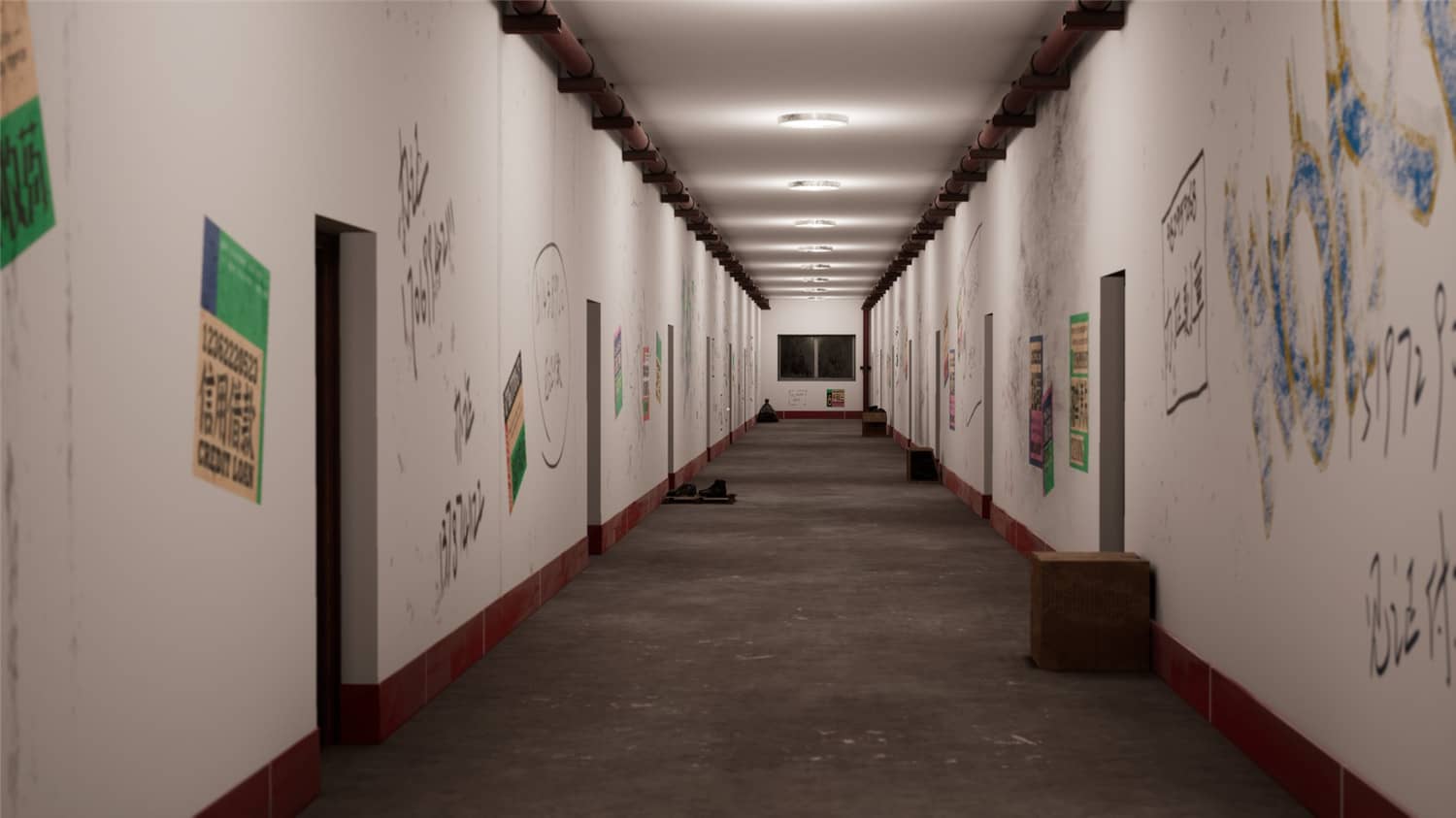
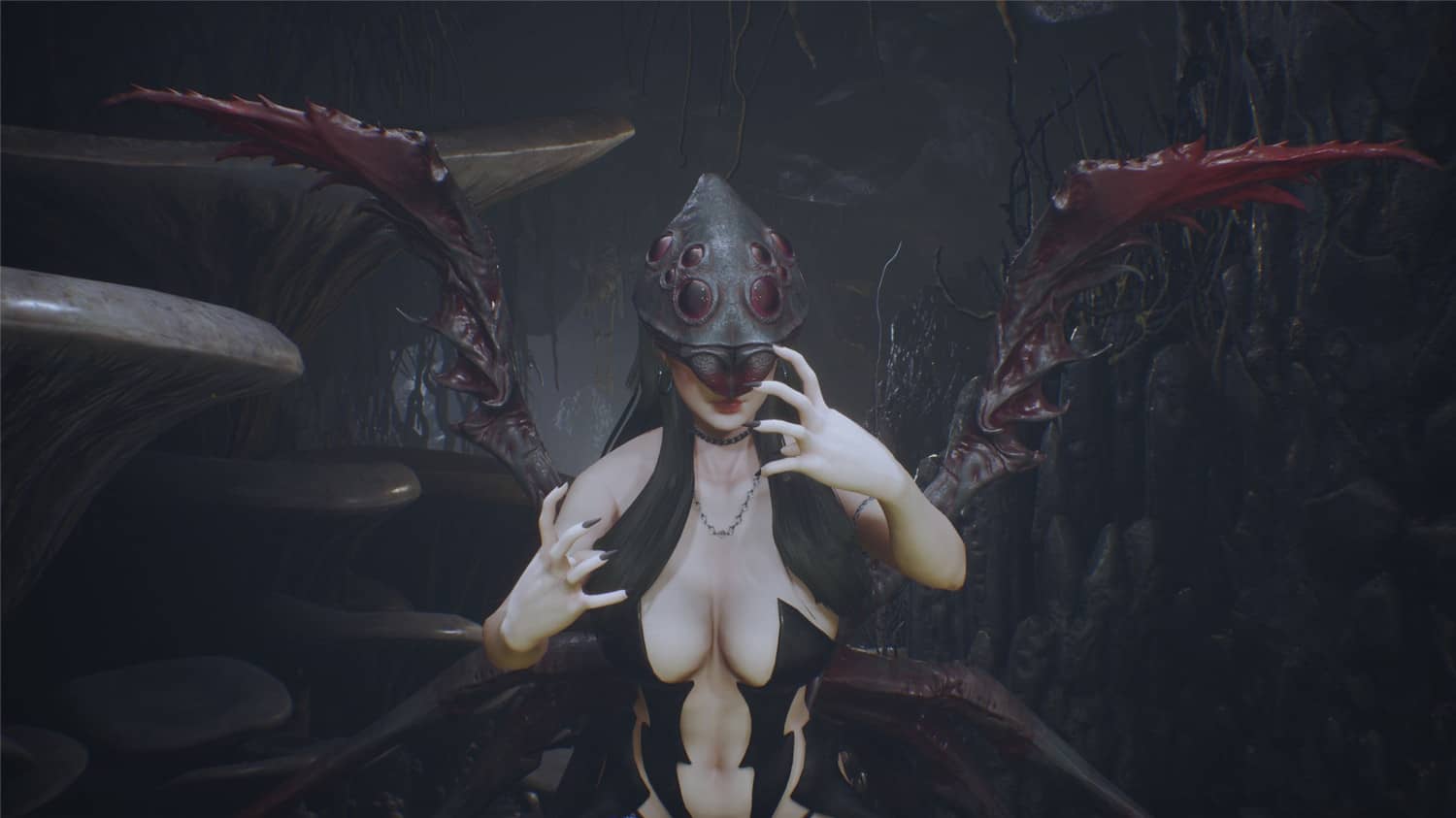
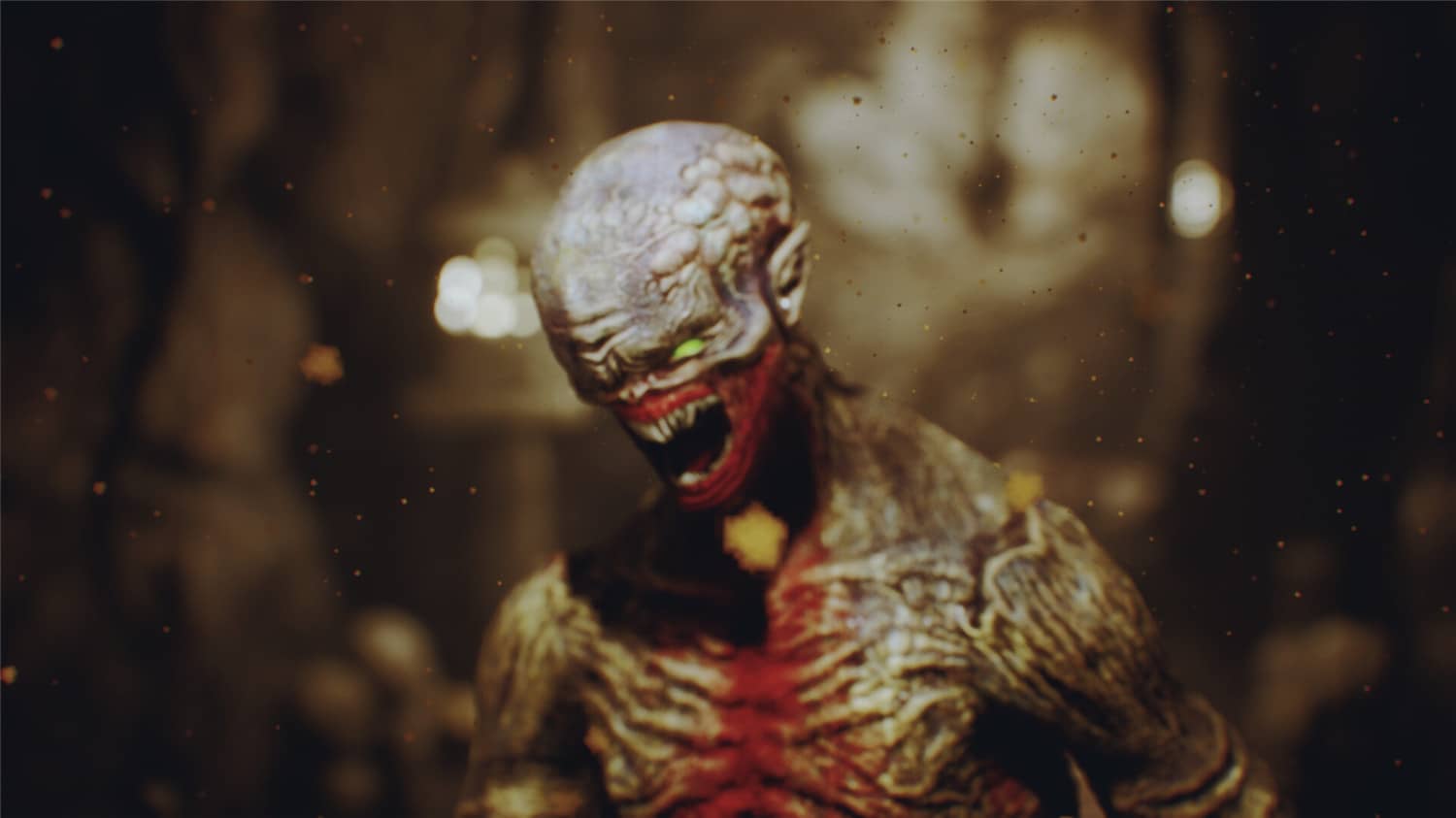
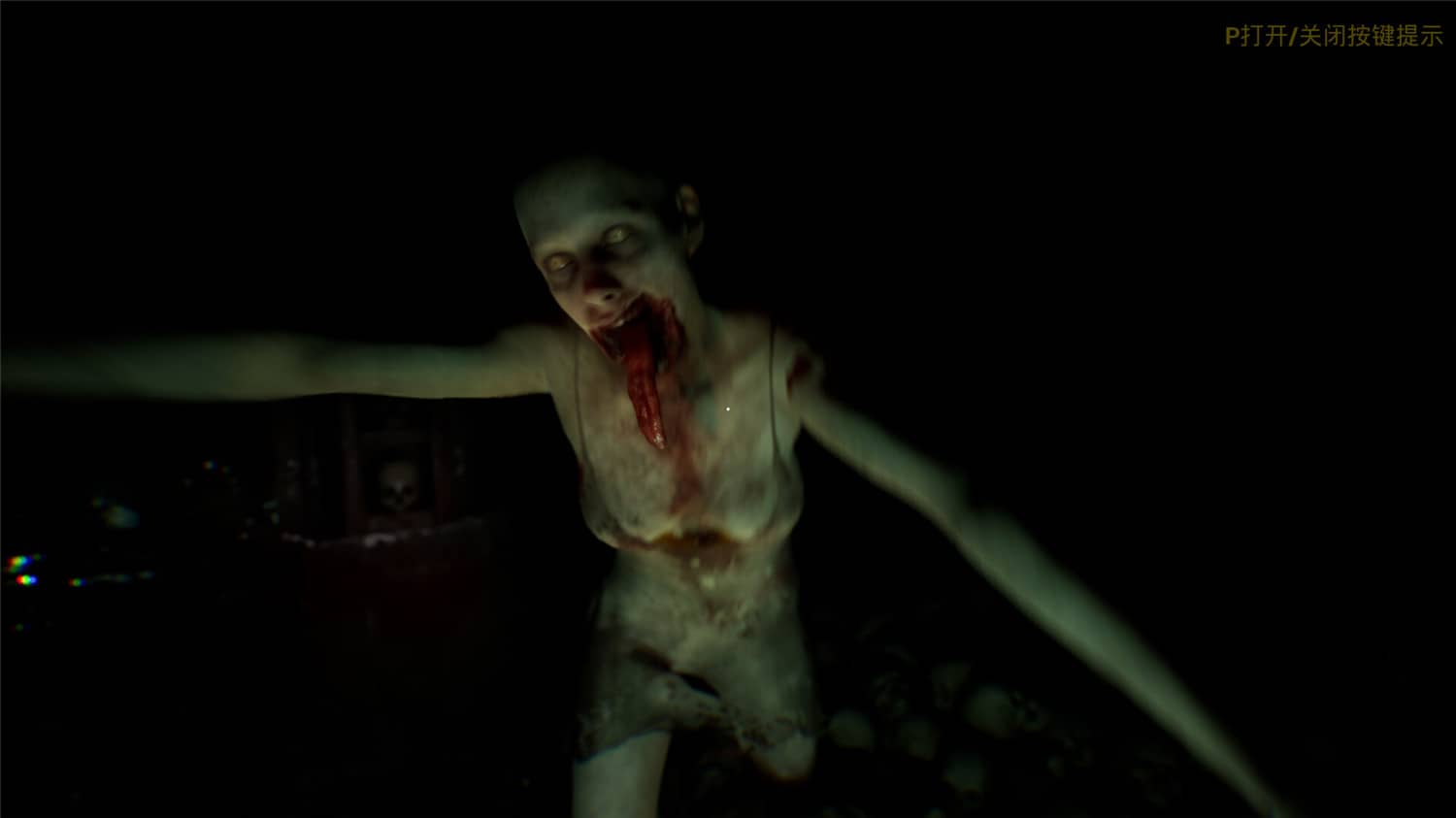
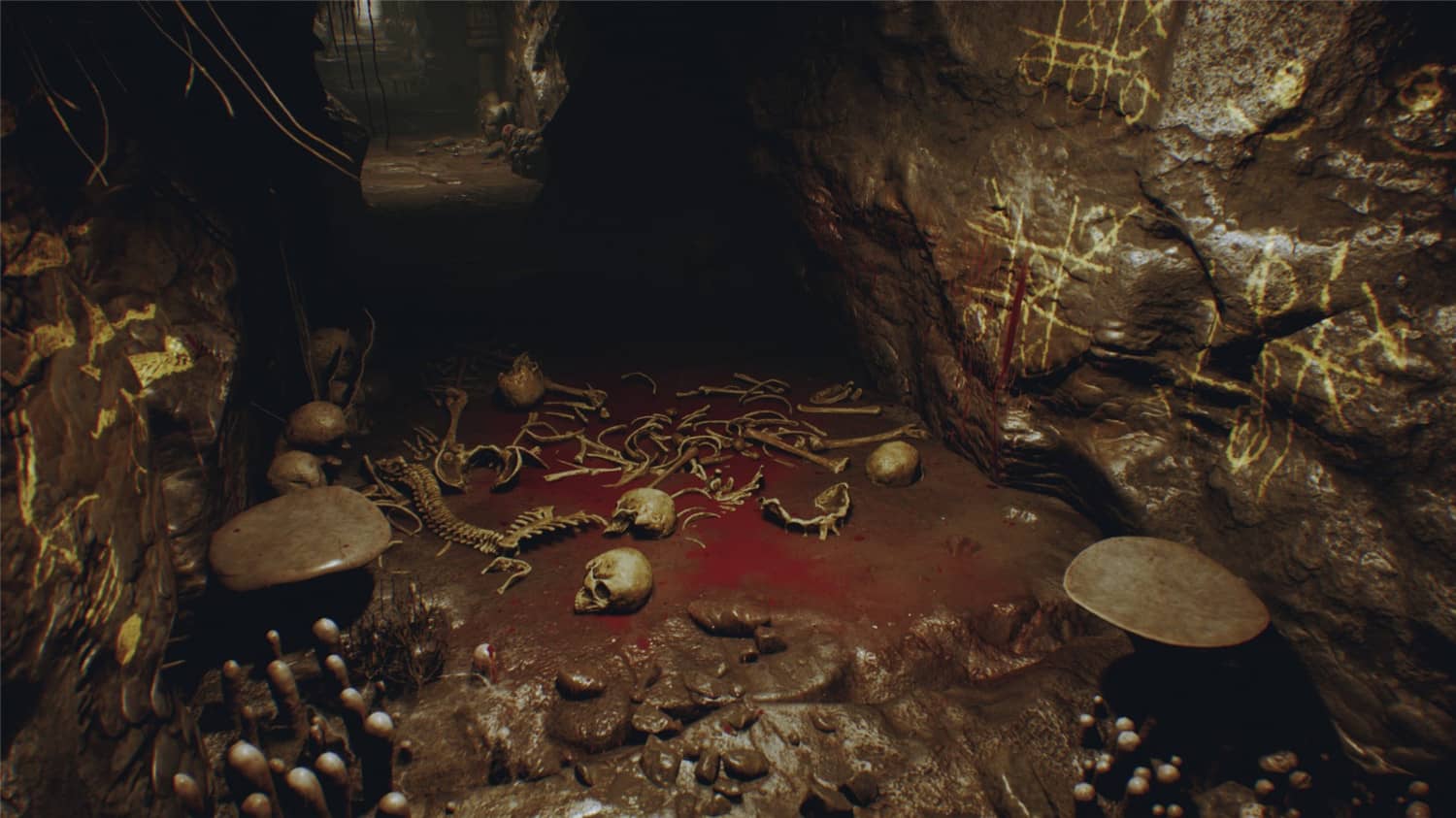
    当夜幕降临夏令营的最后一天,九位年轻的营地指导员将置身扑朔迷离的惊魂一晚。为了生存,除了要面对嗜血成性的当地人与如狼似虎的神秘生物外,您还需要做出难以想象的抉择。

    游戏视频

    [b2player src=”https://cdn.akamai.steamstatic.com/steam/apps/256892155/movie480_vp9.webm?t=1655344230″ poster=””]

    游戏截图

    版本介绍

    v20230518|容量46.4GB|官方简体中文|支持键盘.鼠标.手柄

  • 巴士模拟21联机版官方简体中文

    巴士模拟21联机版官方简体中文

    游戏介绍

    在美国或欧洲这两座开放世界的城市中体验巴士司机的日常生活。驾驶多达30辆由国际制造商授权的巴士,其中包括一辆双层巴士和一辆电动巴士。在单人或多人模式中,载着你的乘客安全并准时地抵达目的地。

    游戏视频

    [b2player src=”https://cdn.akamai.steamstatic.com/steam/apps/256945764/movie480_vp9.webm?t=1684249252″ poster=””]

    游戏截图

    版本介绍

    Build.24052023联机版|容量21.7GB|官方简体中文|支持键盘.鼠标.手柄

  • 层层恐惧3|官方简体中文

    层层恐惧3|官方简体中文

    游戏介绍

    所有的故事终会结束,即便如何扭曲和怪诞。画布。舞台。小说。这款以叙事为中心的心理恐怖体验游戏即将走向完结、谢幕和终章。准备好回到游戏中最后一次面对你的恐惧了吗?

    游戏视频

    [b2player src=”https://cdn.akamai.steamstatic.com/steam/apps/256953057/movie480_vp9.webm?t=1686846511″ poster=””]

    游戏截图

    版本介绍

    v1.2.1|容量17.5GB|官方简体中文|支持键盘.鼠标.手柄

  • 原子之心|开发泄露版|官方简体中文.国语配音

    原子之心|开发泄露版|官方简体中文.国语配音

    游戏介绍

    欢迎进入美妙疯狂的乌托邦世界。生死之战,一触即发。针对独特敌人制定最佳战术,升级装备,利用环境条件完成任务。想要揭开真相?那就做好流血的准备吧!

    游戏视频

    [b2player src=”https://cdn.akamai.steamstatic.com/steam/apps/256931819/movie480_vp9.webm?t=1676995611″ poster=””]

    游戏截图

    更新日志

    更新简体中文补丁+中文语音包,下载放入游戏根目录重新打开游戏即可变更为中文汉化+中文配音!

    版本介绍

    开发泄露版|容量80.6GB|官方简体中文.国语配音|支持键盘.鼠标.手柄|赠开发版CT.无限子弹无限生命

  • 小缇娜的奇幻之地|官方简体中文

    小缇娜的奇幻之地|官方简体中文

    游戏介绍

    《小缇娜的奇幻之地》将带给玩家完整的独立游戏体验,有着内容丰富、故事取向的合作战役,能让最多四名玩家一起游玩,还有可让人一玩再玩的终局内容。

    游戏截图

    包含DLC

    • Tiny Tina’s Wonderlands: Golden Hero Armor Pack

    • Tiny Tina’s Wonderlands: Season Pass

    • Tiny Tina’s Wonderlands: Butt Stallion Pack

    • Tiny Tina’s Wonderlands: Dragon Lord Pack

    • Tiny Tina’s Wonderlands: Coiled Captors

    • Tiny Tina’s Wonderlands: Glutton’s Gamble

    • Tiny Tina’s Wonderlands: Molten Mirrors

    • Tiny Tina’s Wonderlands: Shattering Spectreglass

    版本介绍

    Build.10922058|容量48.9GB|官方简体中文|支持键盘.鼠标.手柄

  • 【7B2美化】添加评论表情包

    【7B2美化】添加评论表情包

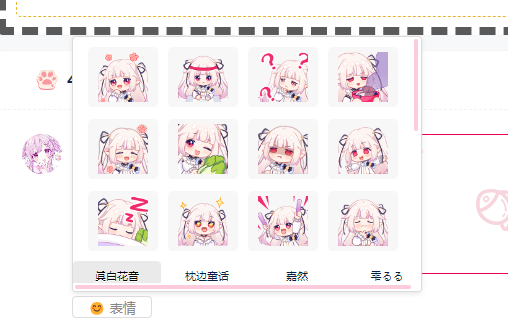
    截图演示

    把下列代码加入到子主题 functions.php 中

    require get_stylesheet_directory()."/emoji.php";

    把下列代码加入到 css样式文件中.

    [content_hide]

    /**表情tabs**/
    .bq-close {
    top: 0;
    position: fixed;
    width: 100%;
    height: 100%;
    left: 0;
    }
    .tabPanel ul li:hover {
    background: #eaeaea;
    }
    .comt-smilies a:hover {
    box-shadow: 0px 2px 5px #b5b5b5;
    }
    .tabPanel ul {
    background: #fff;
    display: flex;
    height: 30px;
    position: absolute;
    bottom: 0;
    }
    .tabPanel ul li {
    z-index: 5;
    float: left;
    margin: 0 2px 0 0;
    font-size: 11px;
    height: 29px;
    line-height: 30px;
    width: 88px;
    text-align: center;
    border-radius: 4px;
    background: #fff;
    }
    .tabPanel .hit {
    border-bottom: 1px solid #fff;
    cursor: pointer;
    color: black;
    text-shadow: 0 1px 0 #fff;
    background: #eaeaea;
    }
    .pane {
    margin-left: 15px;
    margin-top: 10px;
    min-height: 100px;
    background-color: #fff;
    display: none;
    }
    .panes {
    z-index: 4;
    width: 347px;
    height: 230px;
    position: absolute;
    overflow: scroll;
    }
    
    .wp-smiley{
    max-height:50px!important;
    width: 50px!important;
    height: 50px!important;
    }
    .comt-smilies img {
    width: 50px;
    height: 50px;
    }
    .comt-smilies a {
    list-style-type: none;
    background: #f7f7f7;
    padding: 5px 10px;
    border-radius: 5px;
    display: inline-block;
    font-size: 12px;
    line-height: 14px;
    margin: 0 10px 12px 0;
    cursor: pointer;
    -webkit-transition: .3s;
    transition: .3s;
    }
    .comt-smilies1 {
    box-shadow: 0px 2px 5px rgb(181 181 181 / 32%);
    border: 1px solid #b7b7b780;
    padding: 10px;
    background: #ffffff;
    z-index: 4;
    display: none;
    width: 350px;
    height: 230px;
    position: absolute;
    margin-top: -240px;
    overflow: scroll;
    }
    .comt-smilies {
    border-radius: 4px;
    height: 256px;
    box-shadow: 0px 2px 5px rgb(181 181 181 / 32%);
    border: 1px solid #b7b7b780;
    background: #fff;
    width: 350px;
    margin-top: -260px;
    z-index: 3;
    position: absolute;
    display: none;
    overflow: hidden;
    }
    .comt-addsmilies {
    margin-right: 20px;
    color: #888;
    background: #fff;
    border: 1px solid #ddd;
    border-radius: 4px;
    font-size: 13px;
    padding: 2px 15px;
    height: 22px;
    box-sizing: border-box;
    z-index: 1;
    }
    .mrxu-item-xu-w {
    background-position: center center;
    background-repeat: no-repeat;
    width: 100%;
    height: 100%;
    background-color: rgba(51,51,51,.2);
    background-size: 50%;
    position: absolute;
    top: 0;
    z-index: 2;
    display: none;
    }
    .post-module-thumb:hover .mrxu-item-xu-w{
    display: block;
    }
    .tt-slider {
    height: 50px;
    overflow: hidden;
    }
    .tt-slider .swiper-wrapper{
    height: 50px; 
    overflow: hidden;
    }
    .swiper-backface-hidden .swiper-slide {
    transform: initial;
    -webkit-backface-visibility: hidden;
    backface-visibility: initial;
    }
    .swiper-button-prev:after, .swiper-button-next:after {
    color: #fff;
    font-size: 27px;
    }
    .swiper-button-prev, .swiper-button-next {
    z-index: 6;
    background: #8e8e8e63;
    border-radius: 9px;
    top: 37%;
    width: 25px;
    height: 38px;
    }
    

    把下列代码加入到 child.js 中

    $(function(){$('.tabPanel ul li').click(function(){$(this).addClass('hit').siblings().removeClass('hit');
    $('.panes>div:eq('+$(this).index()+')').show().siblings().hide();})})
    $(function(){ $(".bq-close").click(function(){ $('.comt-smilies').hide(); });});
    $(function(){ $(".comt-addsmilies").click(function(){ $('.comt-smilies').toggle(); });});
    $(function(){ $("textarea").click(function(){ $('.comt-smilies').hide(); });});
    $(function(){ $(".bq-clos").click(function(){ $('.comt-smilies').hide(); });});
    function mrxubq(mrxu){var content = $('#textarea').val();var xu=content+mrxu;$('#textarea').val(xu);}

    [/content_hide]

    把下面文件放入主题根目录后解压到当前目录,然后强制刷新即可

  • 零:月蚀的假面|官方简体中文

    游戏介绍

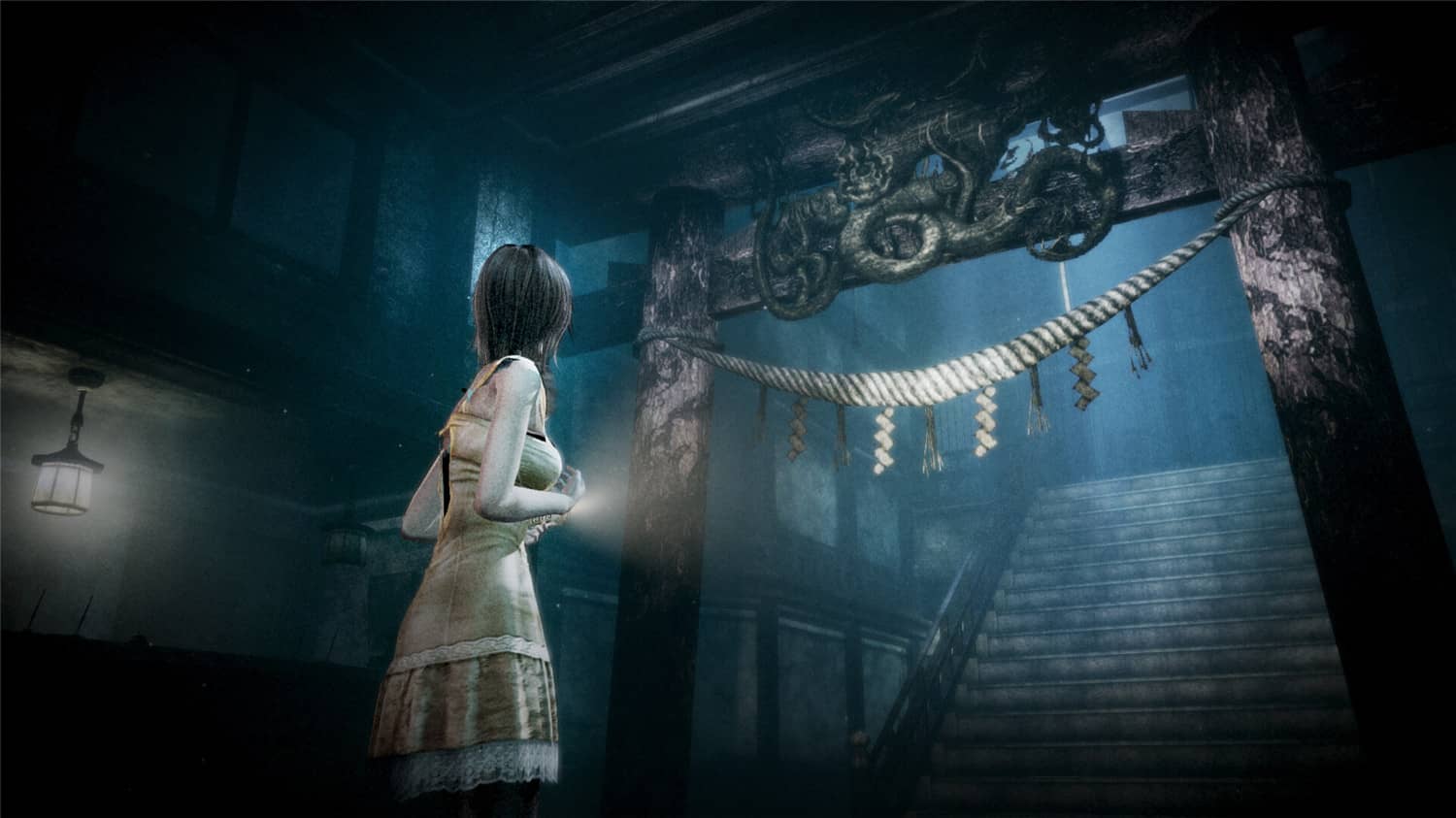
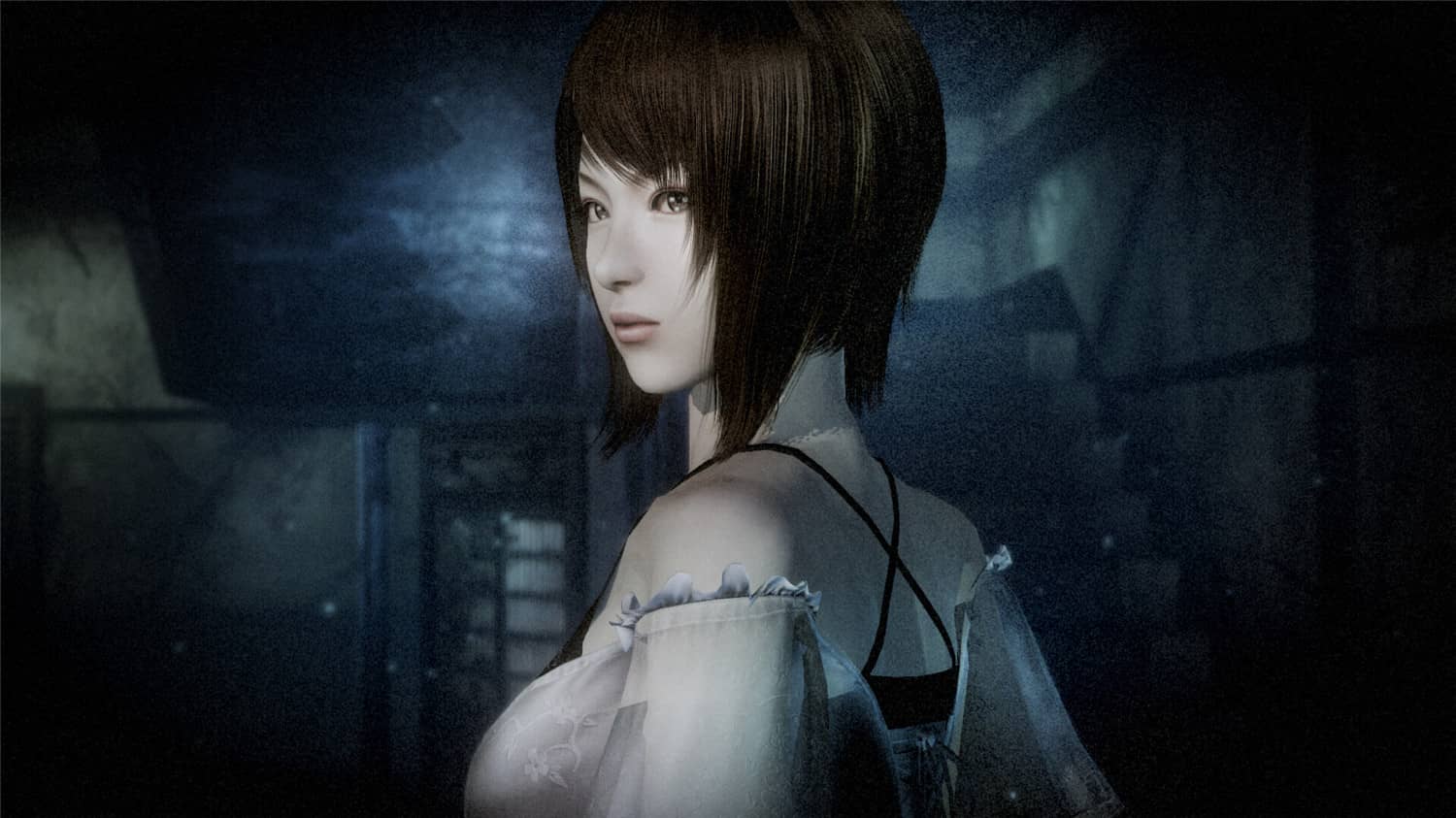
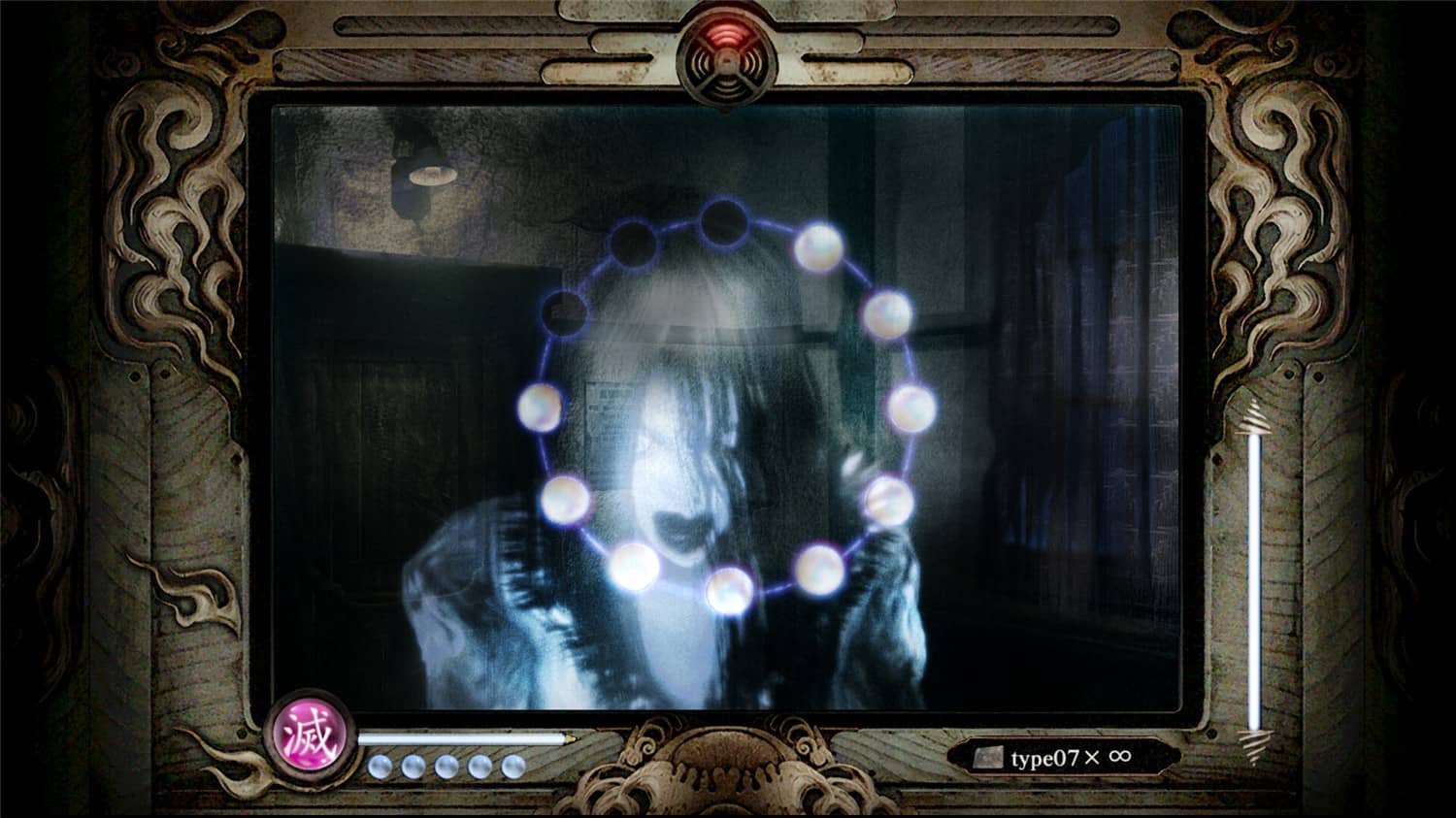
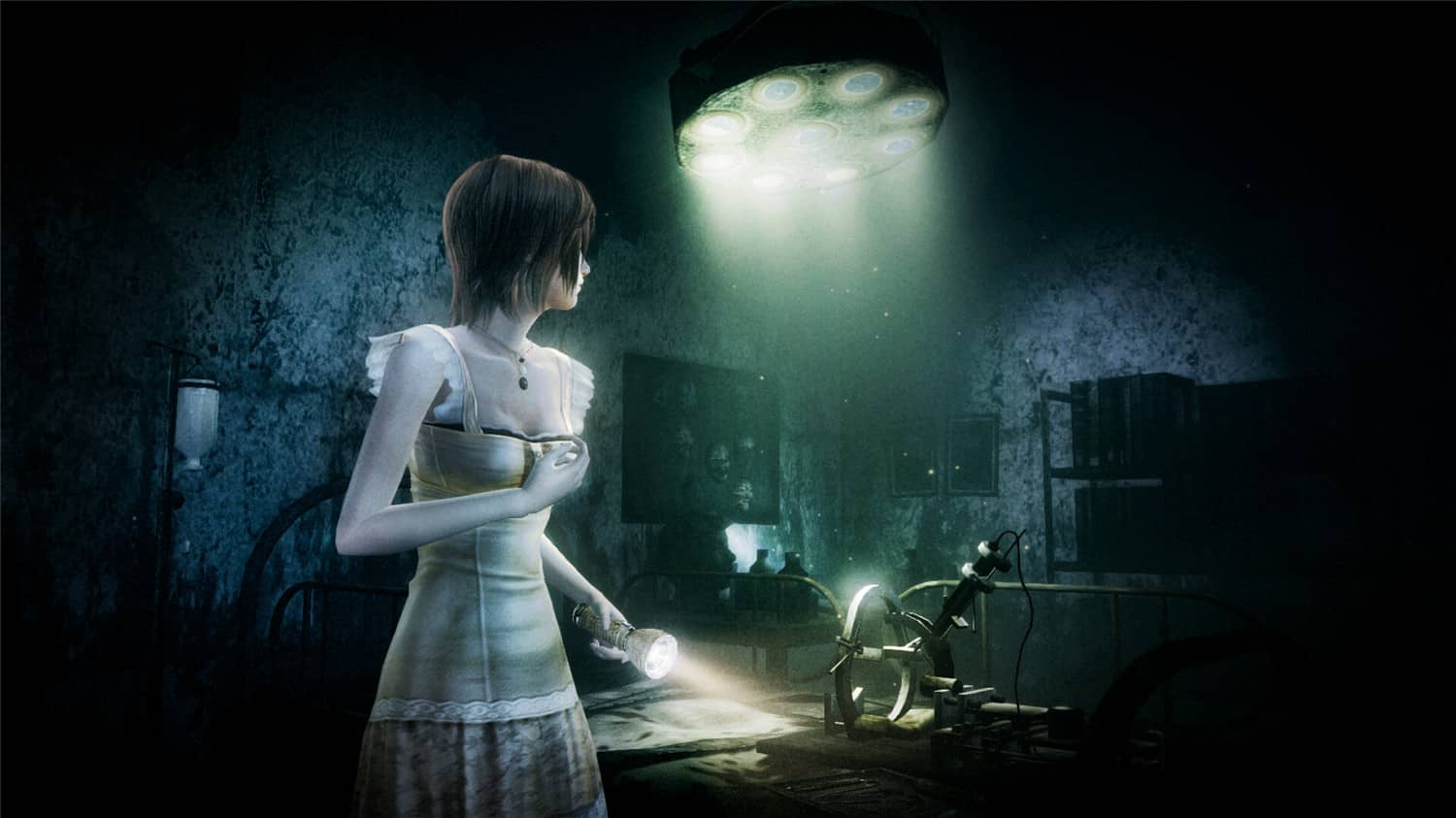
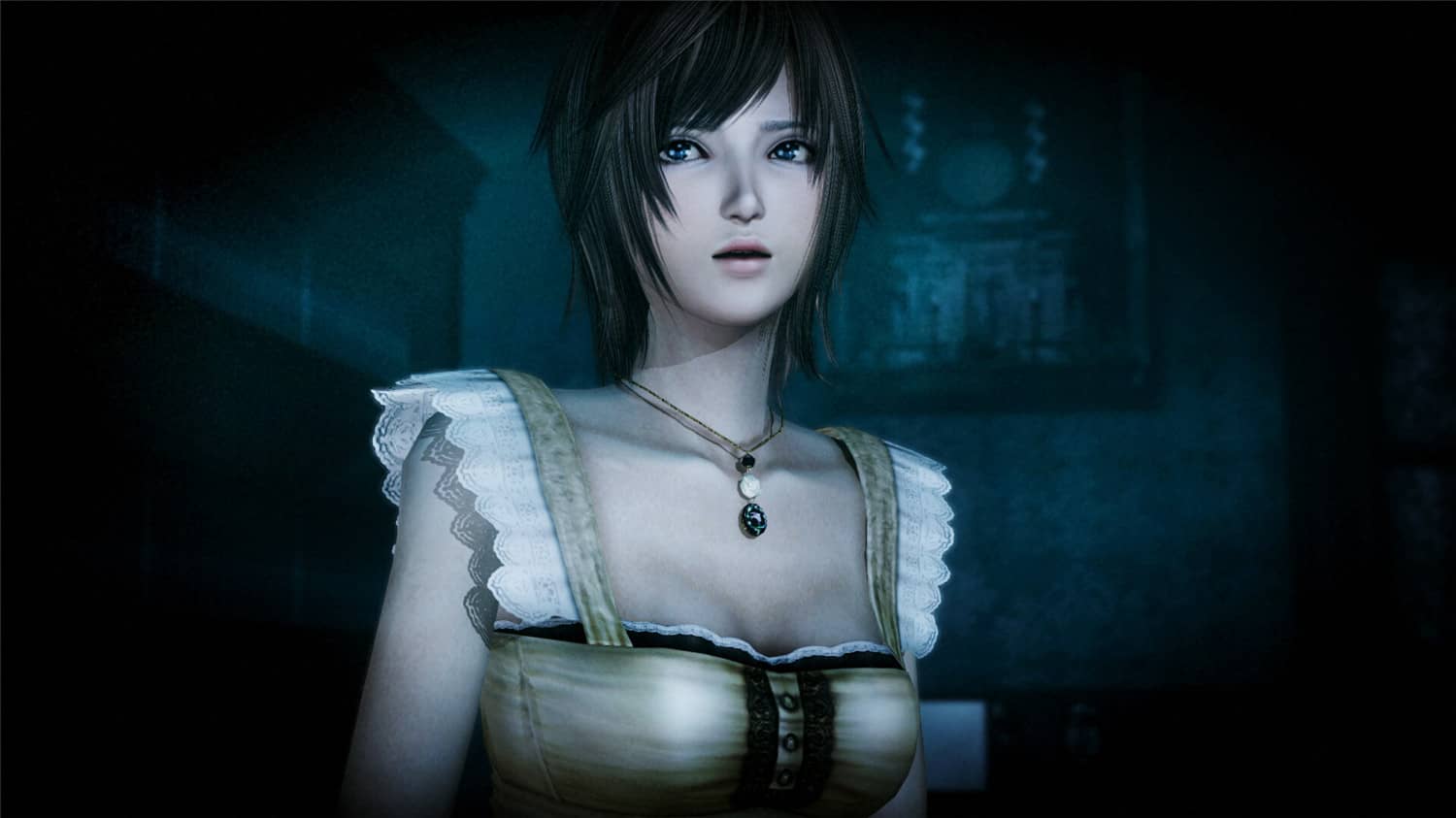
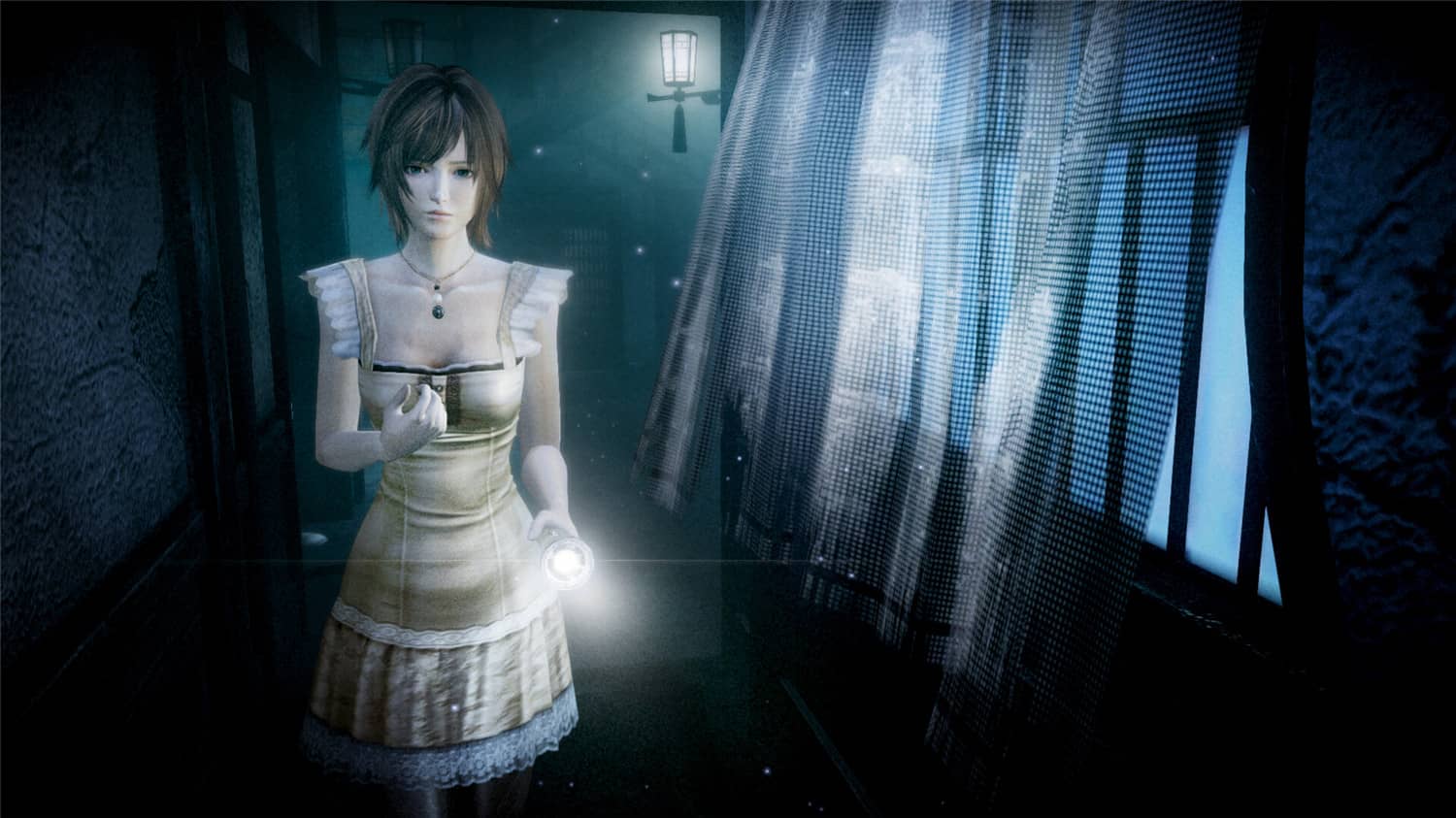
    战栗的记忆,于月下苏醒。升级成更加生动美丽的画面,和风恐怖冒险游戏《零 ~月蚀的假面~》再次复苏。

    游戏视频

    [b2player src=”https://media.st.dl.eccdnx.com/steam/apps/256928108/movie480_vp9.webm?t=1675904421″ poster=””]

    游戏截图

    版本介绍

    Build.10547139|容量14.2GB|官方简体中文|支持键盘.鼠标.手柄

  • 巨人起义|官方简体中文

    巨人起义|官方简体中文

    游戏介绍

    《巨人起义(Giants Uprising)》是一款探险砍杀类的动作角色扮演游戏。在游戏中你可以扮演一名巨人,前往各个地方冒险,收集更多的道具,来对人类进行报复,使用更多的特色技能,还可通过狩猎野生动物来填饱肚子,提升战斗力,大量原材料和钻石帮你升级强化装备,打败敌人。

    游戏视频

    [b2player src=”https://media.st.dl.eccdnx.com/steam/apps/256902902/movie480_vp9.webm?t=1661593981″ poster=””]

    游戏介绍

    版本介绍

    Build.10192232|容量13.9GB|官方简体中文|支持键盘.鼠标.手柄

  • 食人鲨|官方简体中文|支持键盘.鼠标.手柄

    游戏介绍

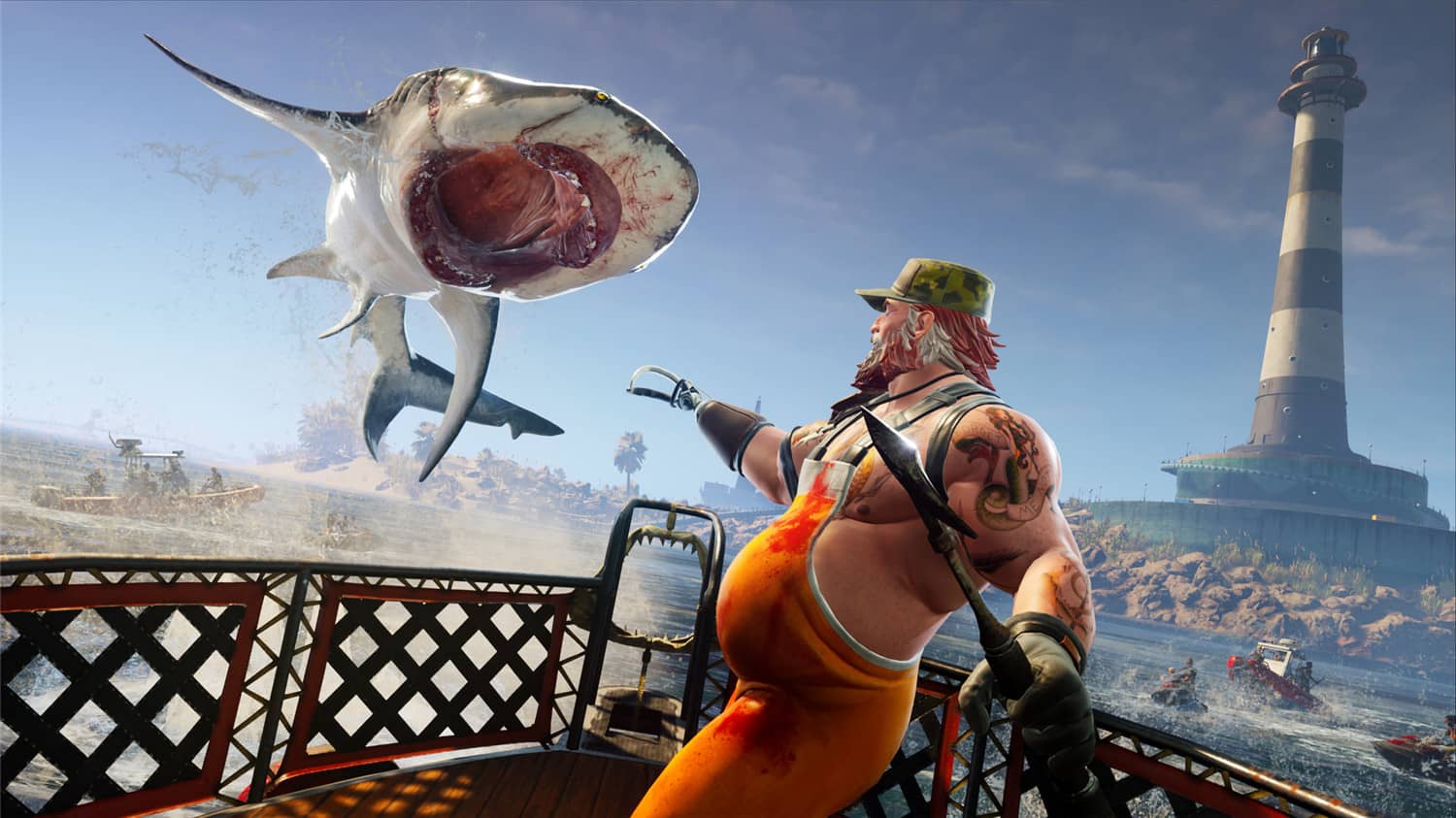
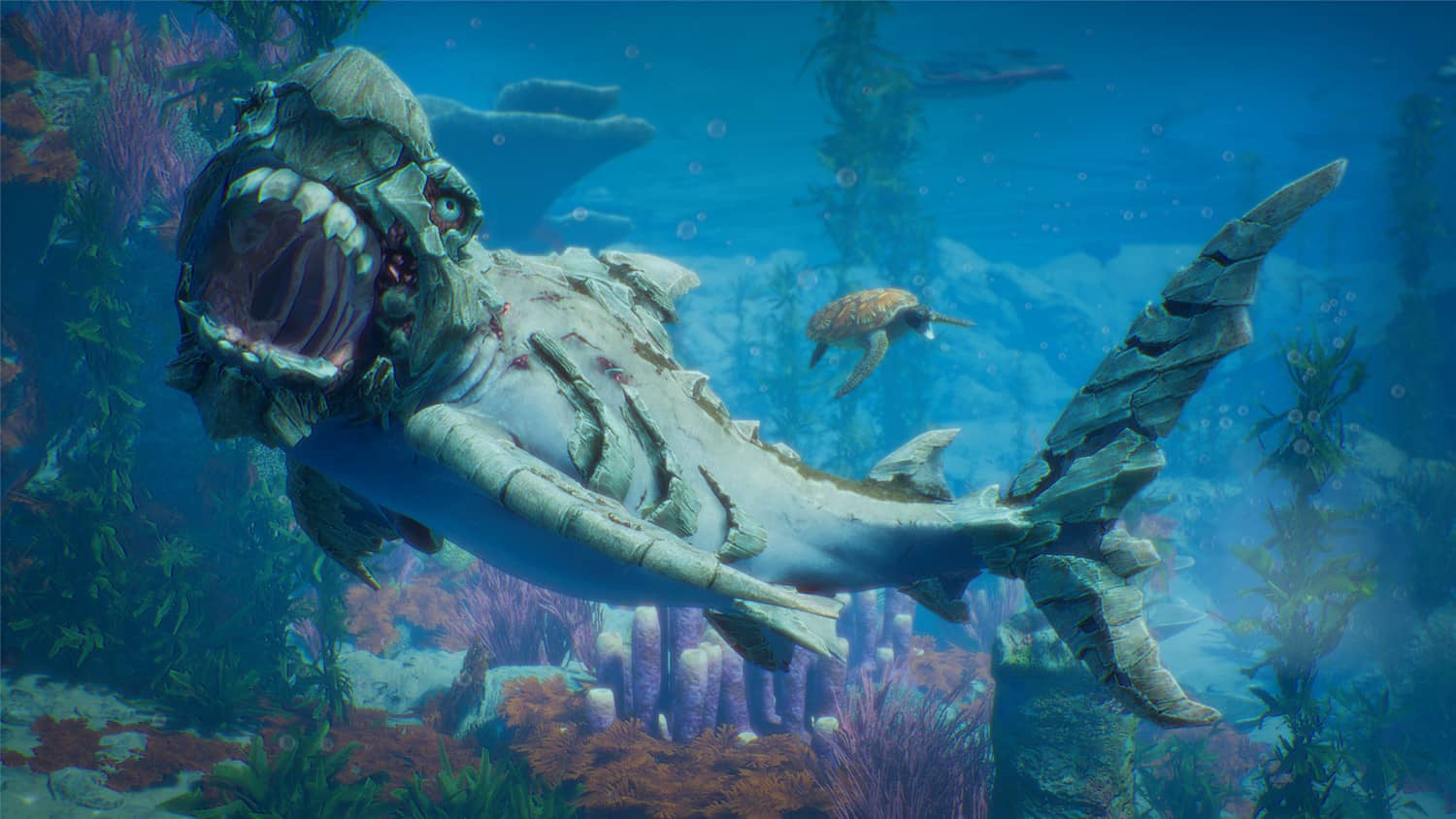
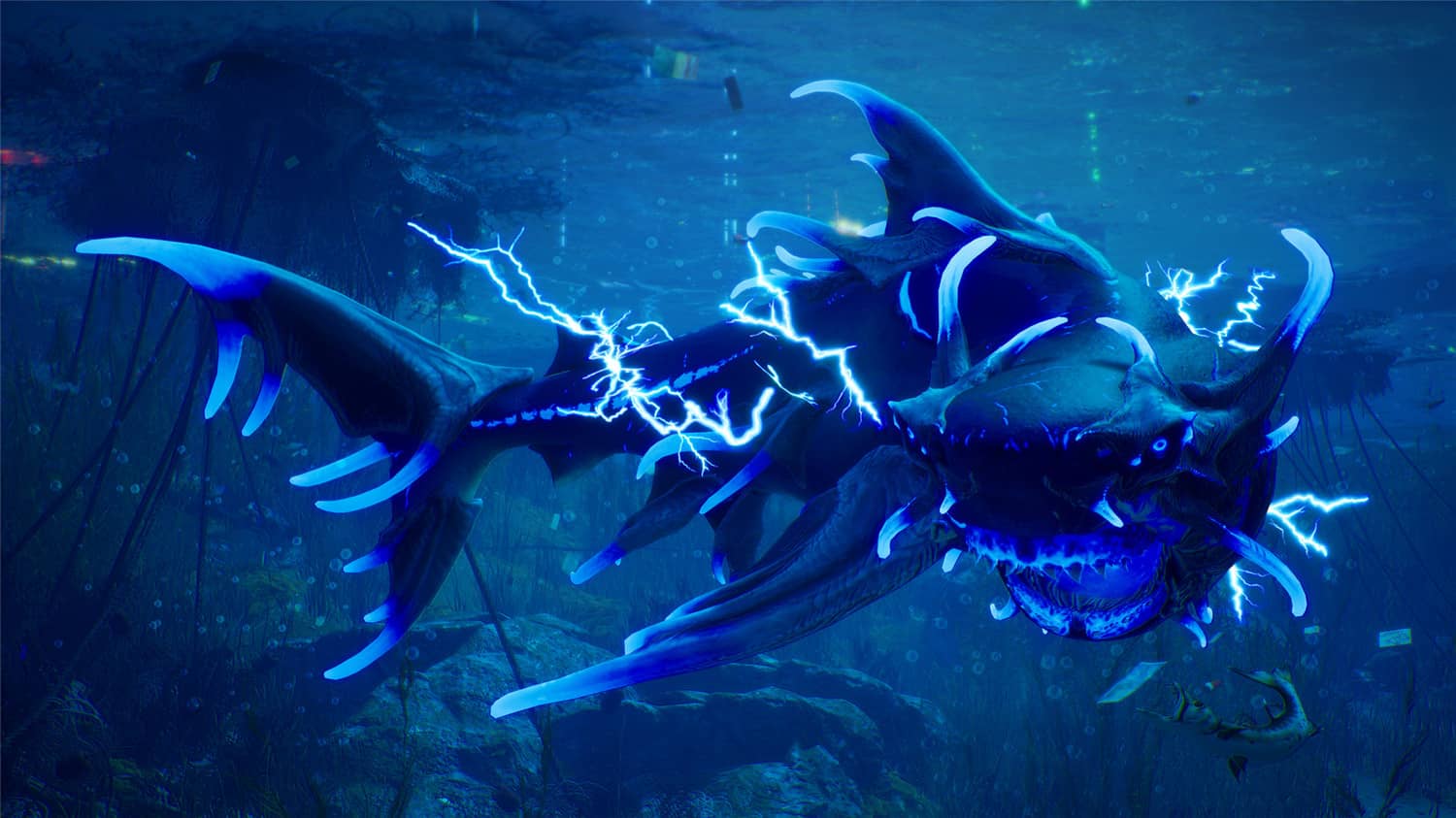
    化身鲨鱼,体验顶级掠食者称霸海洋的终极力量!《Maneater》是一款单人、开放世界动作角色扮演游戏(鲨鱼RPG),其中,扮演鲨鱼的就是您!从一条鲨鱼幼崽开始,您的任务就是在严酷的世界中生存下来,同时在生态系统中一吃到顶。为此,您将探索一个广阔而多样的开放世界,遭遇各种敌人——人类和野生动物。找到合适的资源,您便可以成长并实现超自然进化,让玩家根据自己的游戏风格来定制鲨鱼。这可是件大好事。因为要报复屠杀您的残忍渔夫,您就需要进化成一头巨大的鲨鱼,变成传说中的顶级掠食者。掠食。探索。进化。

    游戏截图

    包含DLC

    • Maneater: Truth Quest

    版本介绍

    v20221015|容量17.5GB|官方简体中文|支持键盘.鼠标.手柄

  • 盘丝洞惊魂|官方简体中文

    游戏介绍

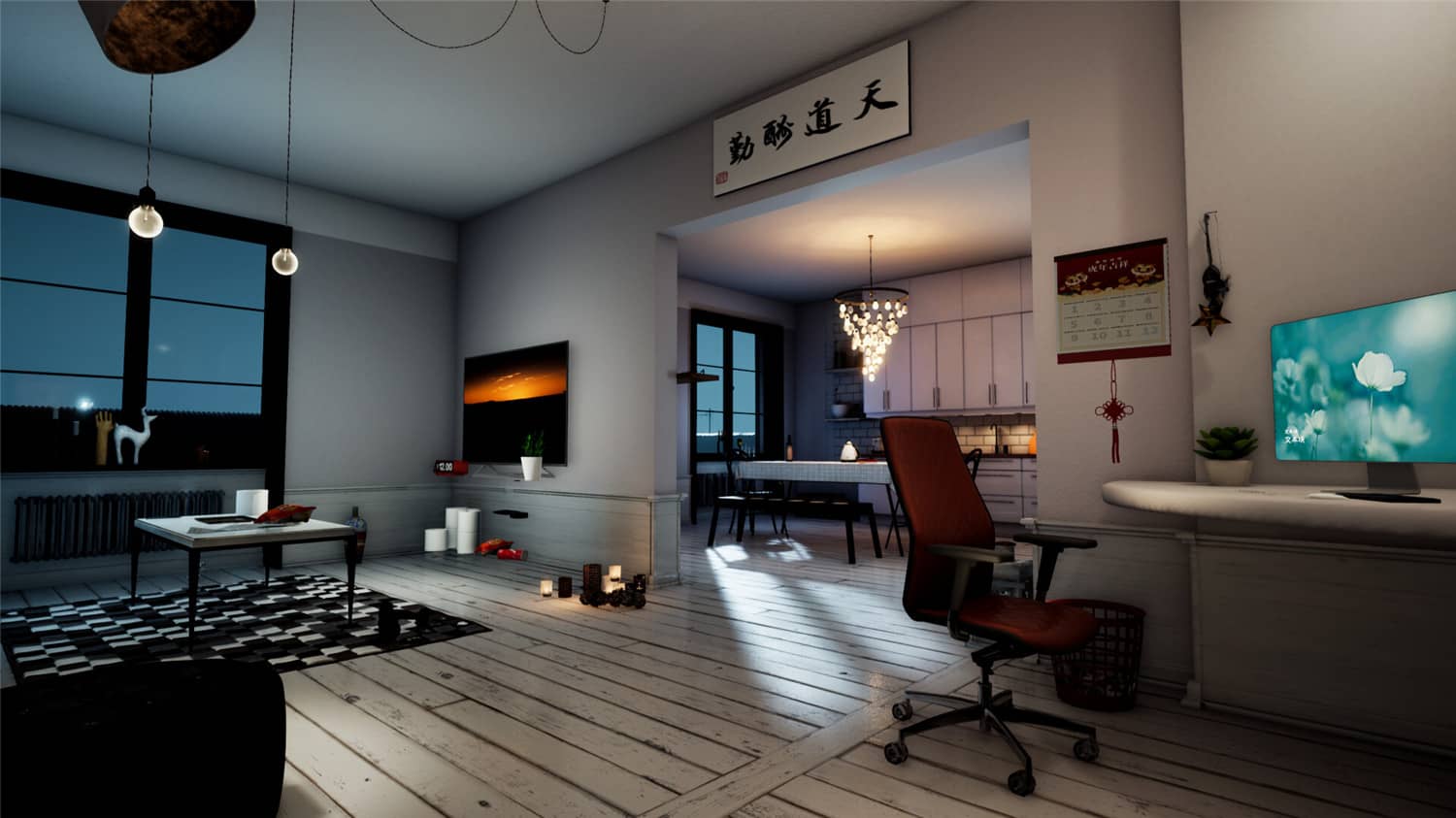
    暗恋已久的学姐已经失踪三个月了,我四处追寻,没有找到一点信息,她就像是人间蒸发了一样。今晚,学姐突然打来视频电话,画面里学姐脸色惨白,让我前往郊外一处废弃的别墅,并叮嘱我一定一个人前来。别无他法的我只能准备起程,据说那个别墅是有名的凶宅。

    游戏截图

    版本介绍

    Build.10273012|容量25.5GB|官方简体中文|支持键盘.鼠标